
Unity Performance School: How to Lower Draw Calls (Beginner Guide) - About Terrain - part
A downloadable PDF
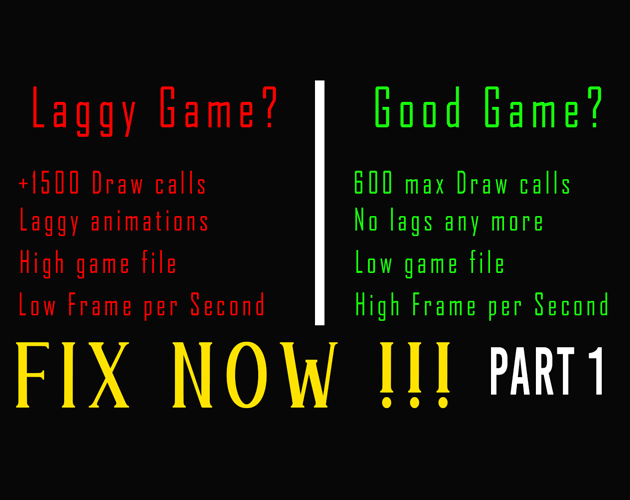
Description video: Is your Unity game lagging and dropping frames? In this Unity tutorial, we are skipping the complicated jargon and going back to school to fix your game's performance. We will deeply examine how draw calls work, how to identify lag using the Unity Profiler, and how to see exactly what is blocking your rendering using the Frame Debugger. You will learn easy fixes like static batching, GPU instancing, and texture atlases to instantly lower your draw calls and boost your FPS!
Follow me on:
➺ My Channel "Learning with Vulpoaica": https://www.youtube.com/@LearningwithVulpoaica
➺ My Steam page: https://store.steampowered.com/curator/46084143
➺ My itch.io page: https://roxanna-stefaniuc.itch.io/
➺ My Twitter: https://x.com/RoxannaFabiola
On my YouTube channel, I will guide you how to make a indie game step by step. Don't forget to follow iHeartGameDev because he can explain in depth about Unity Editor. He is a genius. His YouTube channel: https://www.youtube.com/@iHeartGameDev
If you have questions besides my videos that I am uploading, I can't guarantee to help out because I am learning too. Every knowledge that I know its enough to share it, it will be on my channel.
Good luck on your journey IndieDevs! 🍀
Download
Click download now to get access to the following files:
Development log
Leave a comment
Log in with itch.io to leave a comment.